 Keep Photos
Using a photo vault offline, without an app account
An offline vault lets you open your saved library without a network connection. That does not automatically mean the entire app never connects to the internet, that files have separate encryption, or that a lost phone can be recovered. Check each of those promises separately.
By Nasit Sagar Prafulbhai · Reviewed
What works locally in Keep Photos
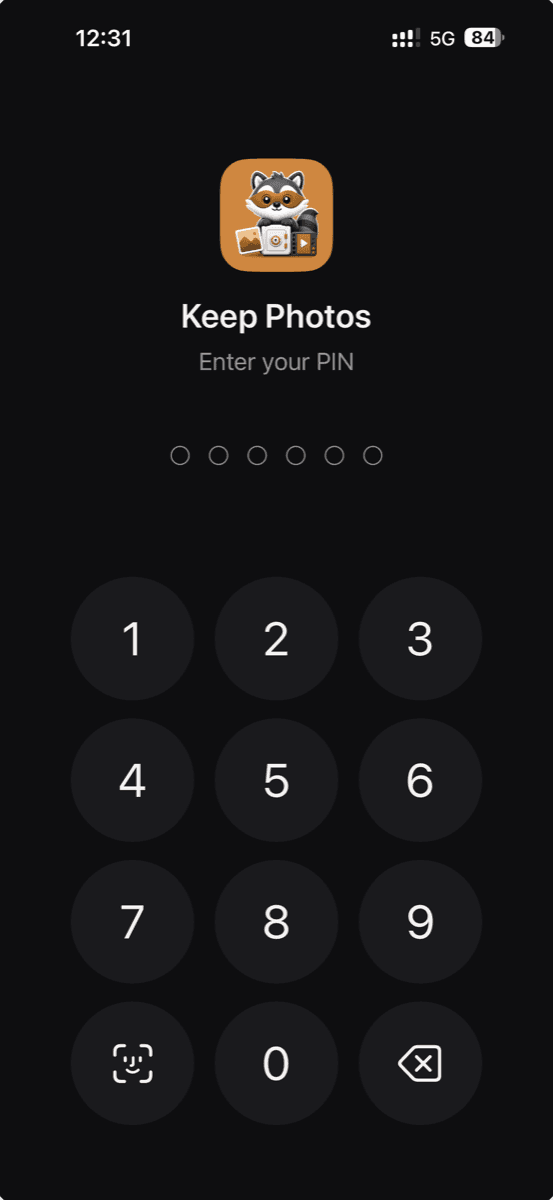
Your imported photos, videos, documents and folder metadata are kept in the app's local storage. No Keep Photos account, email address or sign-up is required. You unlock using your six-digit PIN, with optional biometric access.
The vault, folders, viewer, import, export and 30-day Trash are part of the free core. Local access does not depend on logging into a developer account. Selecting a file that exists only in a cloud provider can still require that provider to download it before an import.
Separate three different questions
| Question | Keep Photos behavior |
|---|---|
| Can I open the saved vault offline? | Yes; vault files are stored locally |
| Does the app make any network requests? | Apple verifies purchases online; limited PostHog usage events can be sent after the in-app notice |
| Does the developer host my photo library? | No; vault content is not uploaded to a developer vault service or to product analytics |
| Does offline mean separate file encryption? | No; the current app uses access controls, sandboxing and iOS Data Protection |
| Will my account restore the vault? | There is no app account or developer-operated vault restore service |
Try a small workflow before importing everything
- Choose a few non-sensitive sample photos and a video that are already available on the phone.
- Import them into a folder and confirm they open and play correctly.
- Disconnect from the network, lock the vault, then unlock it and view the saved samples.
- Export a sample to Photos or Files and check the exported copy.
- Before moving a larger collection, decide how you will keep a separate copy and manage originals.
Local files need a recovery plan
Local storage keeps the developer out of the vault-hosting process, but it also means there is no developer cloud copy to request if your phone is lost. The app cannot reset a forgotten PIN or recover permanently deleted files.
Use export to keep copies you need to preserve, and check those copies before removing the app or changing devices. Files exported to Photos, Files, AirDrop or another provider follow the destination's security and sync settings. A device backup or iCloud Keychain credential is not a promise that this app's vault has been restored.