 Keep Photos
 vs Private Photo Vault – Pic Safe
Private Photo Vault – Pic Safe is an established vault with local use and optional Cloud Vault. Keep Photos offers a focused local gallery with a free core and optional Pro tools. Both deserve a closer look at backup, file protection and the way you want to organize your library.
By Nasit Sagar Prafulbhai · Reviewed
Published by the developer of Keep Photos. Competitor information comes from the linked vendor documentation and iOS listings reviewed on the date above. Competing apps were not independently tested; this is not a security audit.
A different app, not a new name for Pic Safe
This page compares Keep Photos – Private Vault, developed by Nasit Sagar Prafulbhai, with Private Photo Vault – Pic Safe. The similar category words in their names do not mean the apps share an account, developer or storage system.
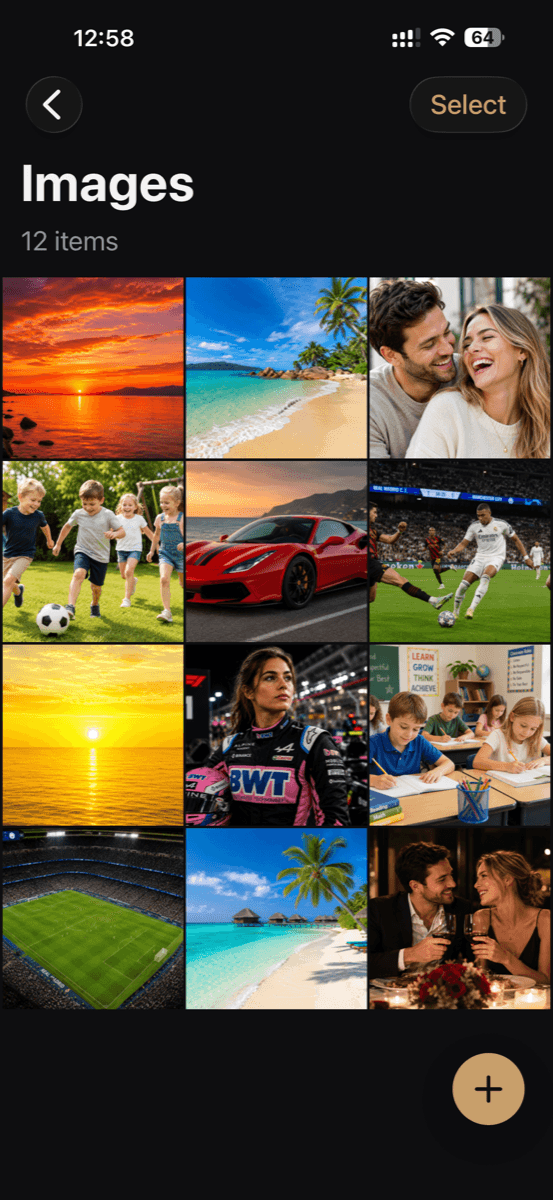
Keep Photos uses a separate six-digit PIN and optional biometric unlock. You can create folders, import photos, videos and documents, view them, export copies and restore items from its 30-day Trash. Its basic vault is free; the decoy, break-in capture, alternate icons and face-down lock are Pro features.
Compare the details that affect your files
| Question | Keep Photos | Private Photo Vault – Pic Safe |
|---|---|---|
| Can I use a separate vault code? | Yes; six-digit PIN and optional biometric access | Vendor lists a separate passcode and other unlock options |
| Can I use it locally without an account? | Yes | Vendor also documents offline use without an account |
| Is cloud backup offered? | No developer-operated vault backup or sync; export copies yourself | Optional Premium Cloud Vault is documented |
| Is app-level encryption documented? | No separate encryption of imported files; iOS Data Protection and app controls | Vendor describes local encryption and encrypted Cloud Vault |
| What does Keep Photos keep free? | Basic vault, folders, viewer, import, export and Trash | Check the current Pic Safe listing and in-app plans for its free boundaries |
| Is there a decoy? | A separate decoy vault is included with Pro | A decoy password is documented by the vendor |
Where Keep Photos may fit
Choose the workflow you can maintain. Keep Photos suits someone who wants a local collection in folders, their own vault PIN, no app account and a clear way to export. No ads are displayed. Limited usage analytics help improve setup, imports and Pro; they exclude vault content and security activity.
Pic Safe's documented backup and encryption capabilities may be important if those are your requirements. Local use without an account is not an exclusive Keep Photos feature. This comparison does not claim Keep Photos has stronger encryption or a recovery service.
Moving from Pic Safe requires an export
Keep Photos does not directly open Pic Safe's vault format or recover a forgotten Pic Safe password. Use the existing app's official export process, test a few files, then import those copies into the new app. Check videos as well as still images.
Before deleting anything, verify the complete collection and decide where you will keep a separate copy. Deleting an app can remove its local files. A synced PIN is not a synced photo library, and Keep Photos cannot restore files that only existed on a lost device.