 Keep Photos
 vs Keepsafe on iPhone
Keep Photos is an option if you want a separate, local photo vault without an app account, with free import and export. Keepsafe is worth considering if its backup and sharing features fit your needs. The protection and recovery trade-offs matter more than the name on the icon.
By Nasit Sagar Prafulbhai · Reviewed
Published by the developer of Keep Photos. Competitor information comes from the linked vendor documentation and iOS listings reviewed on the date above. Competing apps were not independently tested; this is not a security audit.
What changes if you choose Keep Photos?
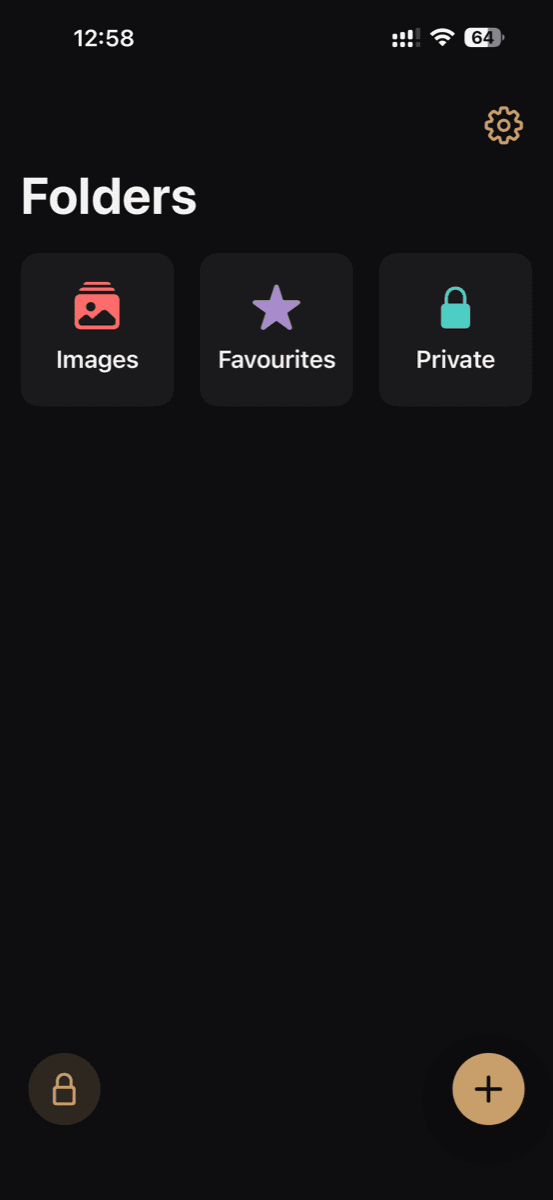
Keep Photos puts selected photos, videos and documents in folders inside its own app. You create a six-digit vault PIN, with optional Face ID or Touch ID unlock. There is no app account to register, and no developer-operated vault sync or backup service.
The basic vault includes folders, viewing, import, export and 30-day Trash. Pro adds a decoy vault, break-in capture, face-down locking and alternate icons. Keeping files local is a storage choice, not a claim that this app provides stronger encryption than Keepsafe.
Features and trade-offs at a glance
| Question | Keep Photos | Keepsafe |
|---|---|---|
| How do I unlock? | Own six-digit PIN; optional Face ID or Touch ID | PIN and biometric unlock described by Keepsafe |
| What is free? | Basic vault, folders, import, export and 30-day Trash | Basic plan lists 200 photos; Premium adds features |
| Where are files stored? | Local app storage; no developer-operated vault cloud | Private backup and cloud storage are offered |
| How are files protected? | App access controls, iOS sandbox and iOS Data Protection; no separate app-level file encryption | Vendor describes AES-256 on the device and in its private backup |
| Does the app use analytics? | Limited PostHog usage events; vault content and security activity excluded | Check Keepsafe's current privacy policy for its practices |
| What if I lose access? | Developer cannot reset a forgotten PIN or restore missing local files | Check Keepsafe's account, backup and recovery instructions for your setup |
Which option fits your routine?
Consider Keep Photos when the job is to keep selected files out of everyday browsing, organize them in a separate gallery and export copies yourself. It works on iPhone and iPad with iOS or iPadOS 18 or later. The vault works offline, while Apple purchases and limited product analytics can use the internet.
Consider Keepsafe if you want the backup, sharing or other capabilities described in its current product information. Keeping an existing setup that works for you can be preferable to moving an entire library. If app-level encryption is a requirement, compare the documented protection models before deciding; Keep Photos does not currently add its own file-encryption layer.
Switch carefully, starting with a small batch
- Use Keepsafe's current export instructions to save a few sample files somewhere you control. Confirm any plan restrictions in the app before moving your library.
- Open the exported photos and videos outside the old vault. Check full-size files and video playback.
- Import them into Keep Photos and check them again. Export one back out to confirm the complete workflow.
- Keep the old vault and originals until every file you need is verified. A copy in Photos, Files or a cloud provider follows that destination's privacy settings.